Obsidian Guide: Theme Presets
Table of Contents
Intro
This is a collection of theme presets, which are basically just settings for existing themes. If you just want to copy it, its pretty simple:
- Download and enable the Style Manager plugin
- Download and enable the theme the preset is for
- Copy the big ass code in
Retroma
My Thoughts
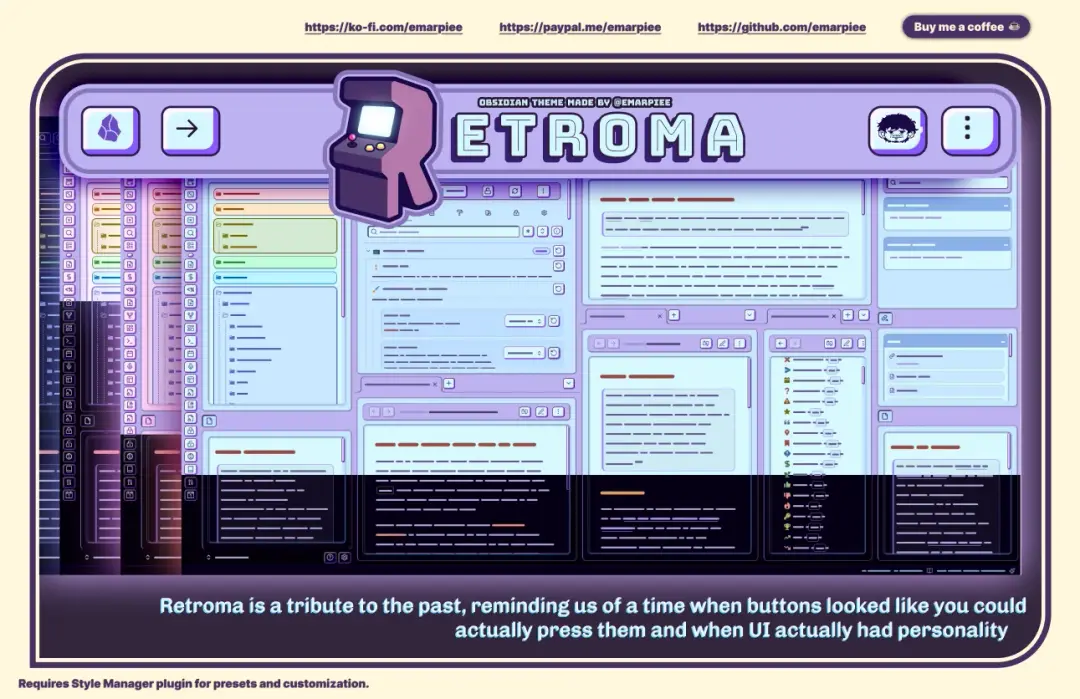
Retroma is my all-time favourite theme for so many reasons. Its a whimsical and fun theme that makes me want to scroll through my vault like its my Instagram Reels. It's insanely customisable as well - it can look skeumorphic* or flat, it can look somewhat modern or like a terminal, it has custom filters, its very impressive!!
*(fancy talk for "3D looking design, like those sketchy download buttons on sketchy websites do")
It can look a little cramped, especially on mobile devices. I personally use it for desktop, then use Minimal for my phone.
Presets
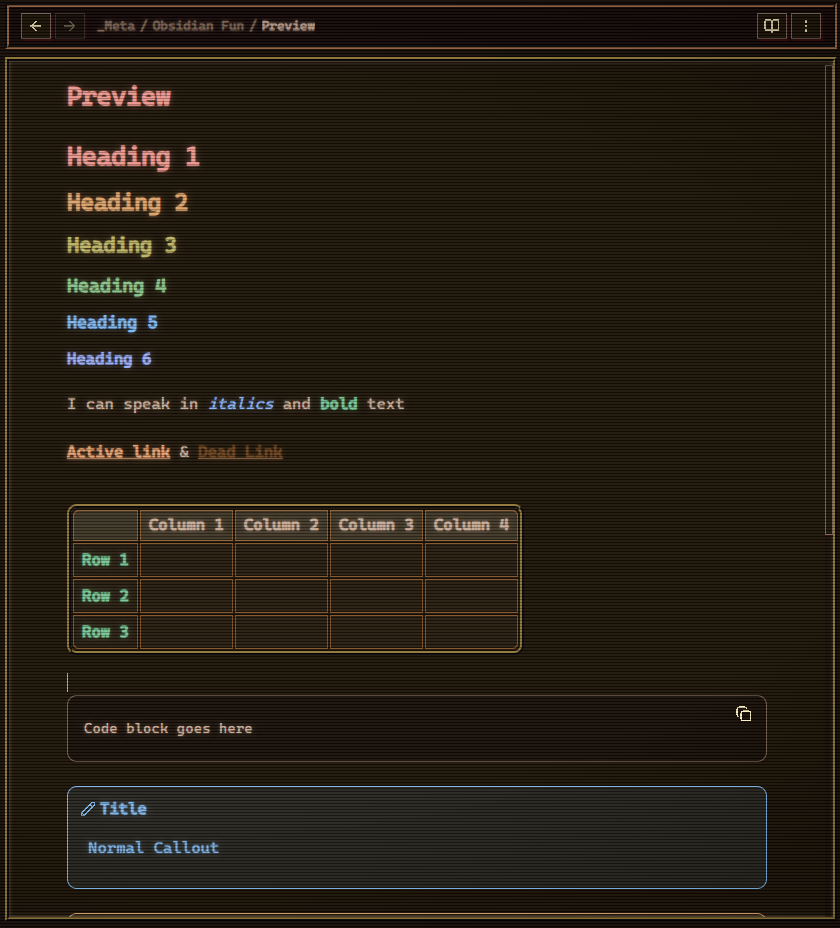
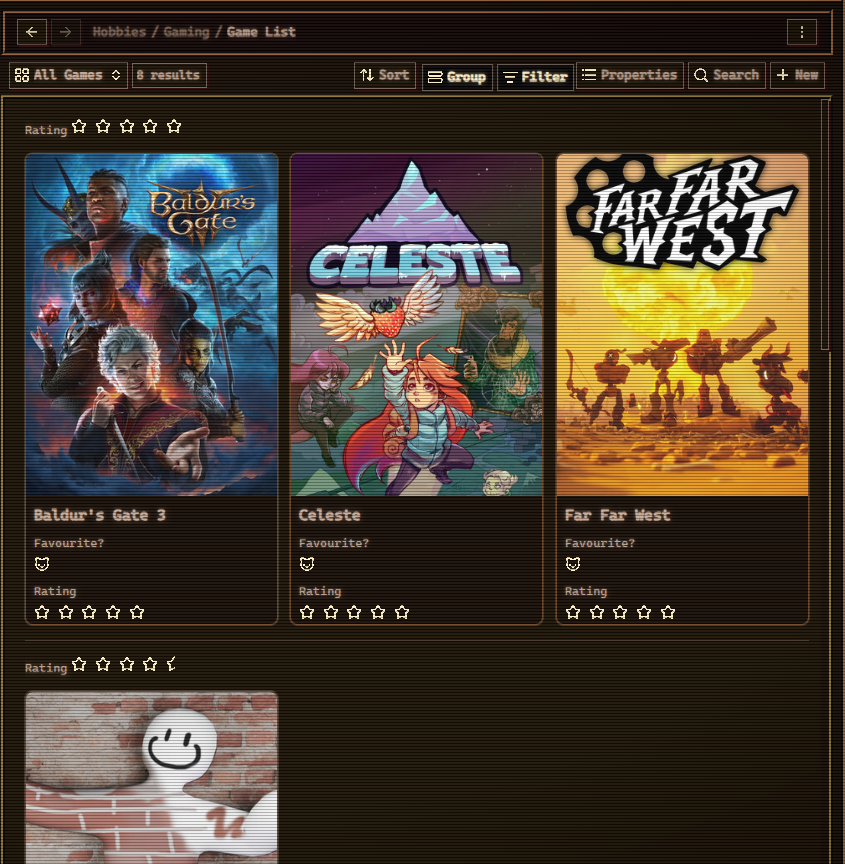
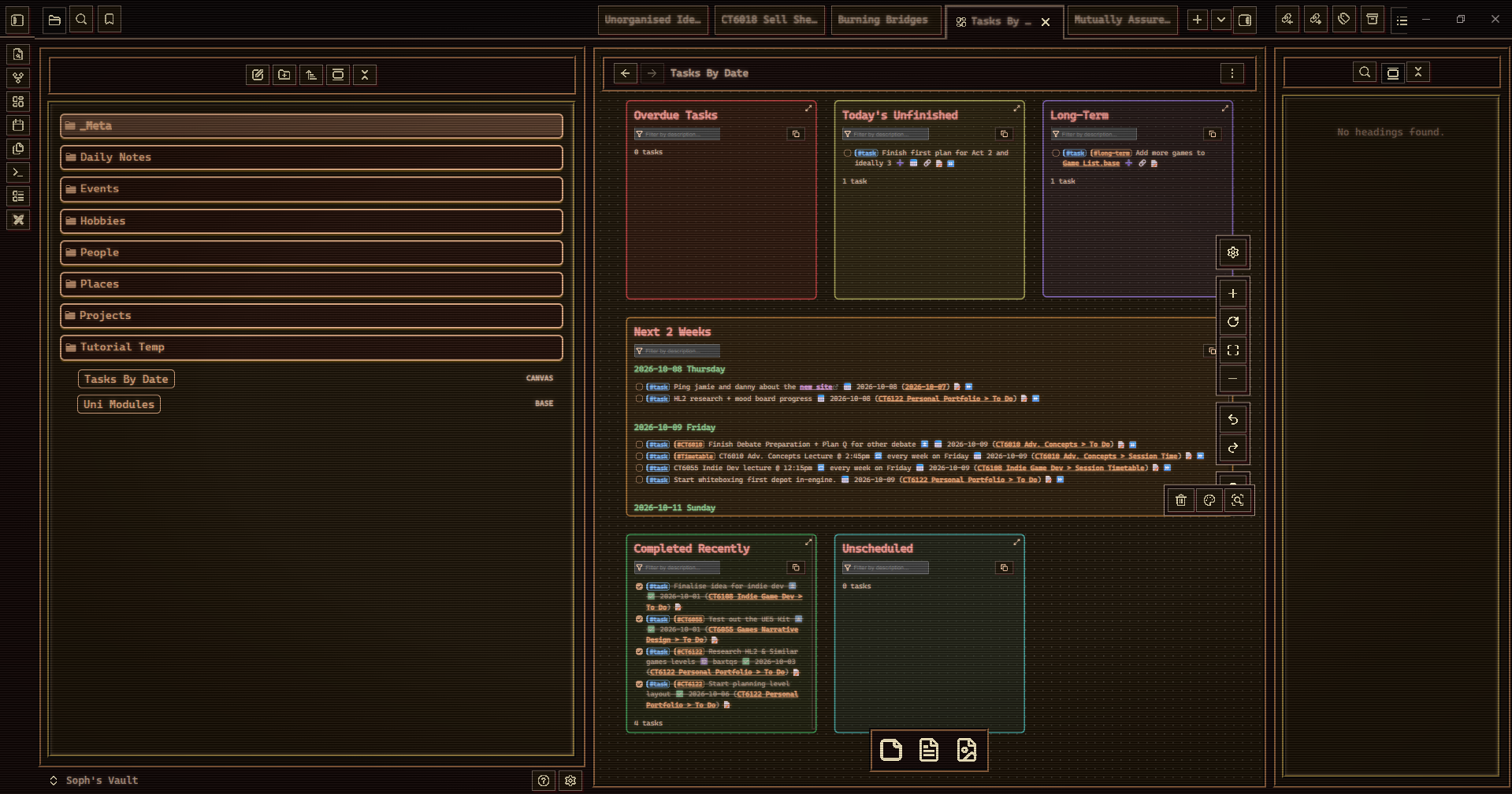
New Vegas
{
  "retroma-obsidian-theme@@rtm-code-font": "Cascadia Code",
  "retroma-obsidian-theme@@workspace-font-selection": "rtm-font-cascadia-code",
  "retroma-obsidian-theme@@workspace-color-scheme": "rtm-cs-analogous-colors-flipped",
  "retroma-obsidian-theme@@rtm-interface-radius": 0,
  "retroma-obsidian-theme@@rtm-workspace-leaf-corner-shape": "square",
  "retroma-obsidian-theme@@rtm-workspace-leaf-content-corner-shape": "square",
  "retroma-obsidian-theme@@rtm-workspace-tab-padding": 8,
  "retroma-obsidian-theme@@rtm-view-header-radius": 0,
  "retroma-obsidian-theme@@rtm-view-header-corner-shape": "square",
  "retroma-obsidian-theme@@rtm-blockquote-corner-shape": "square",
  "retroma-obsidian-theme@@rtm-btn-corner-shape": "square",
  "retroma-obsidian-theme@@rtm-btn-radius": 0,
  "retroma-obsidian-theme@@nav-btn-style-selection": "rtm-ss-btn-style-neubrutalism",
  "retroma-obsidian-theme@@rtm-ss-crt-overlay": true,
  "retroma-obsidian-theme@@rtm-crt-overlay-scanline-width": 3,
  "retroma-obsidian-theme@@rtm-ss-txt-glow": true,
  "retroma-obsidian-theme@@rtm-ss-pixel-icon": true,
  "retroma-obsidian-theme@@rtm-txt-glow-core-alpha": 0.6,
  "retroma-obsidian-theme@@rtm-txt-glow-mid-alpha": 0.3,
  "retroma-obsidian-theme@@rtm-txt-glow-outer-alpha": 0.1,
  "retroma-obsidian-theme@@rtm-ss-crt-overlay-animation": true,
  "retroma-obsidian-theme@@rtm-tab-radius": 0,
  "retroma-obsidian-theme@@rtm-ss-nav-item-unrainbow": true,
  "__style_manager_theme": "Retroma",
  "__style_manager_appearance": "dark",
  "__style_manager_snippets": [],
  "__style_manager_accent_color": "#BD6812"
}